Loading the mood board…
Boards are saved in this browser on this device. Use Copy share link to open a board on another phone or computer. Save ideas to your board from the inspiration gallery and any product with the heart button.
From saved ideas to a room you can picture
Collect
Tap the heart on photos in the inspiration gallery and on any product. Everything you save shows up under Saved.
Arrange
Drop in real products and finish swatches, or start from a Style. Drag, resize and layer until it feels right. Undo anytime.
Share or build it
Download it, share a link, or send it to our designers. Every product on your board is listed underneath, ready to order.
Mood board guides
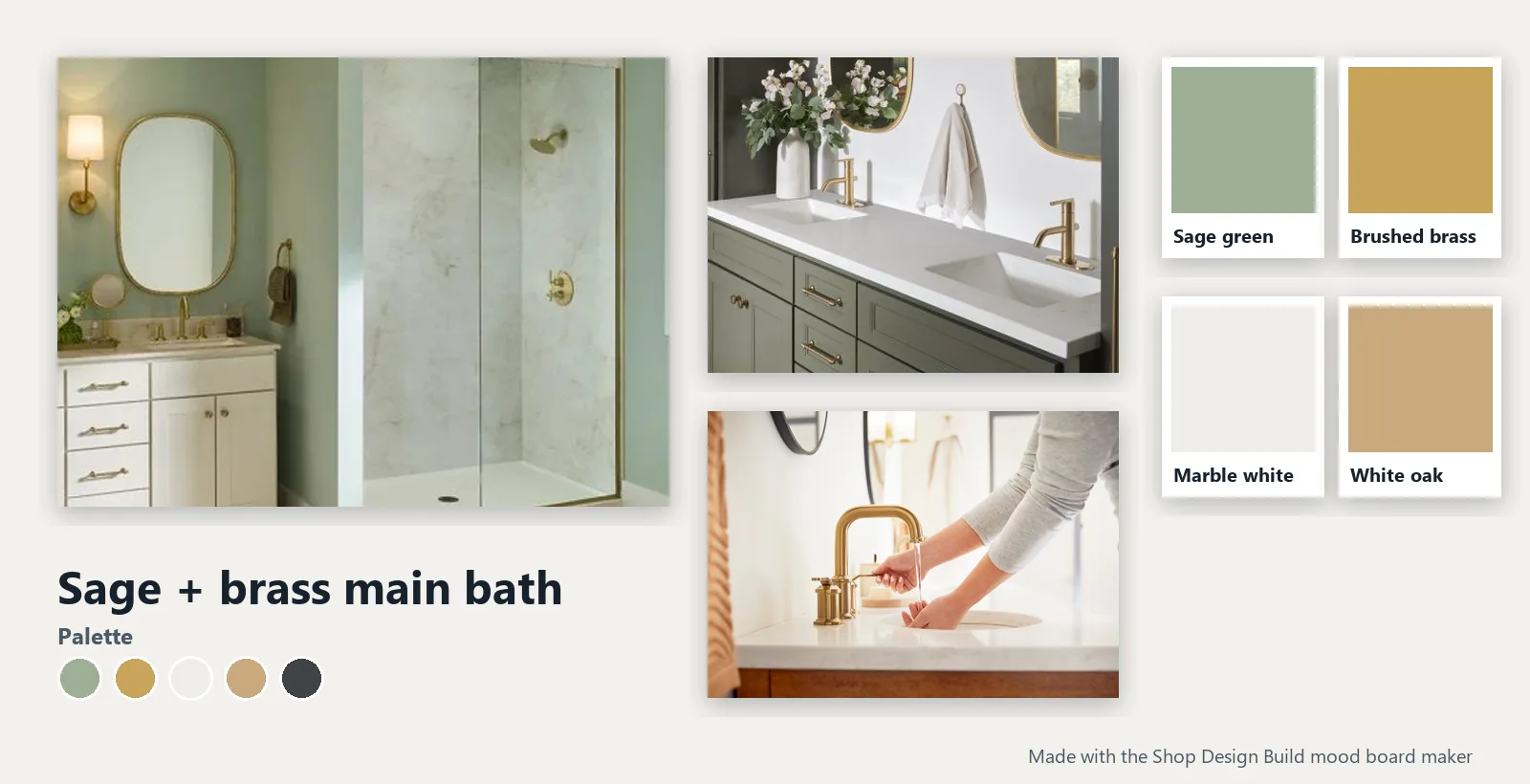
How to make a mood board for your kitchen or bath
Collect photos, set a palette, add real products and share it.
Read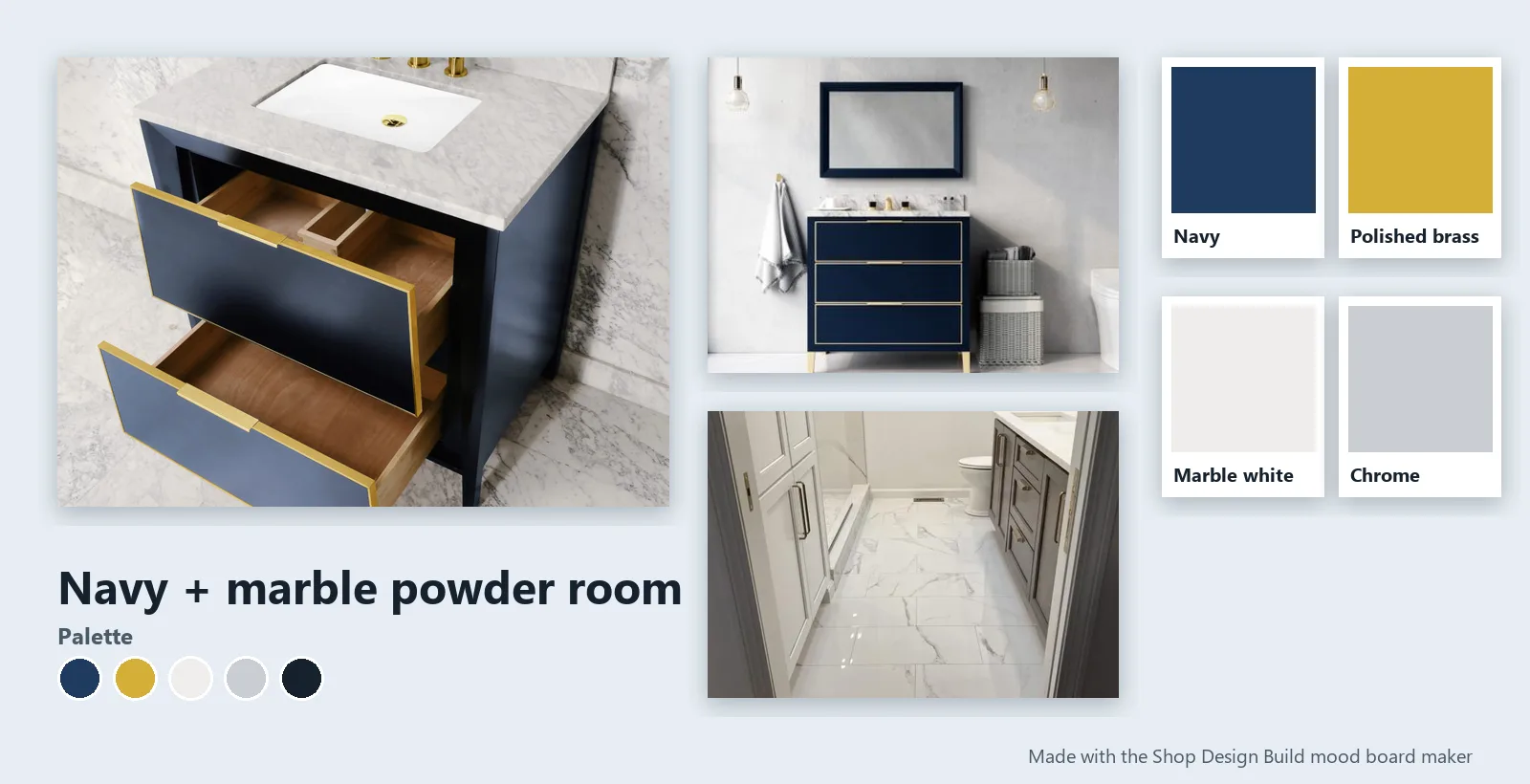
Kitchen and bathroom mood board ideas: 6 palettes
Sage and brass, modern farmhouse, navy and marble and more.
Read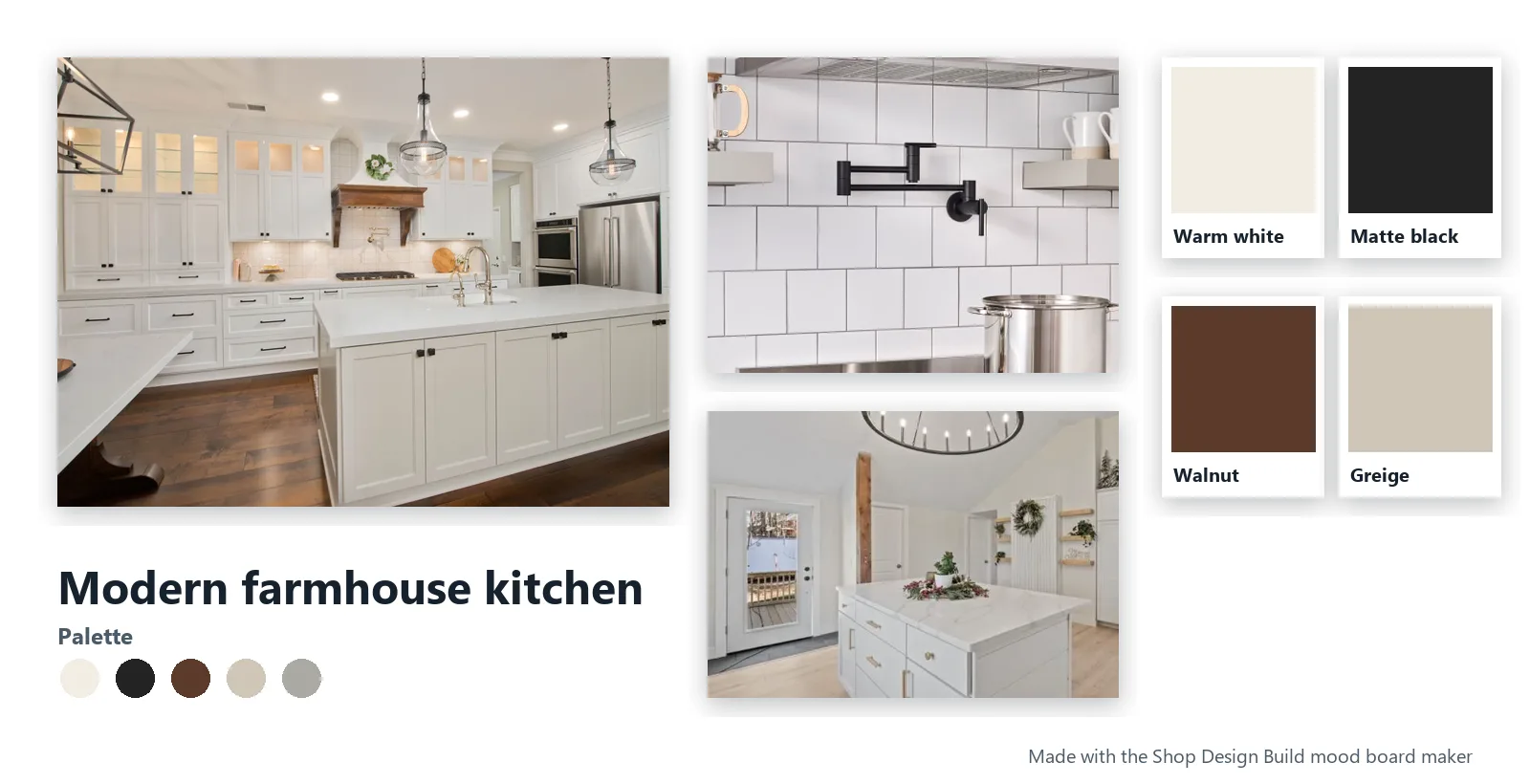
Why a mood board saves time and money on a remodel
Fewer change orders, faster selections, everyone on the same page.
ReadCommon questions
Is the mood board maker free?
Yes. No sign-up is needed, and boards save in your browser. Sign in with your email to keep boards on every device.
Can I use real products on my board?
Yes. Search our catalog right inside the maker, or tap Add to mood board on any product page. Products on your board are listed under it with links to order.
How do I share a mood board?
Tap Copy share link to send it to anyone, Download image to save a picture, or Send to our designers to include it with a consult request.