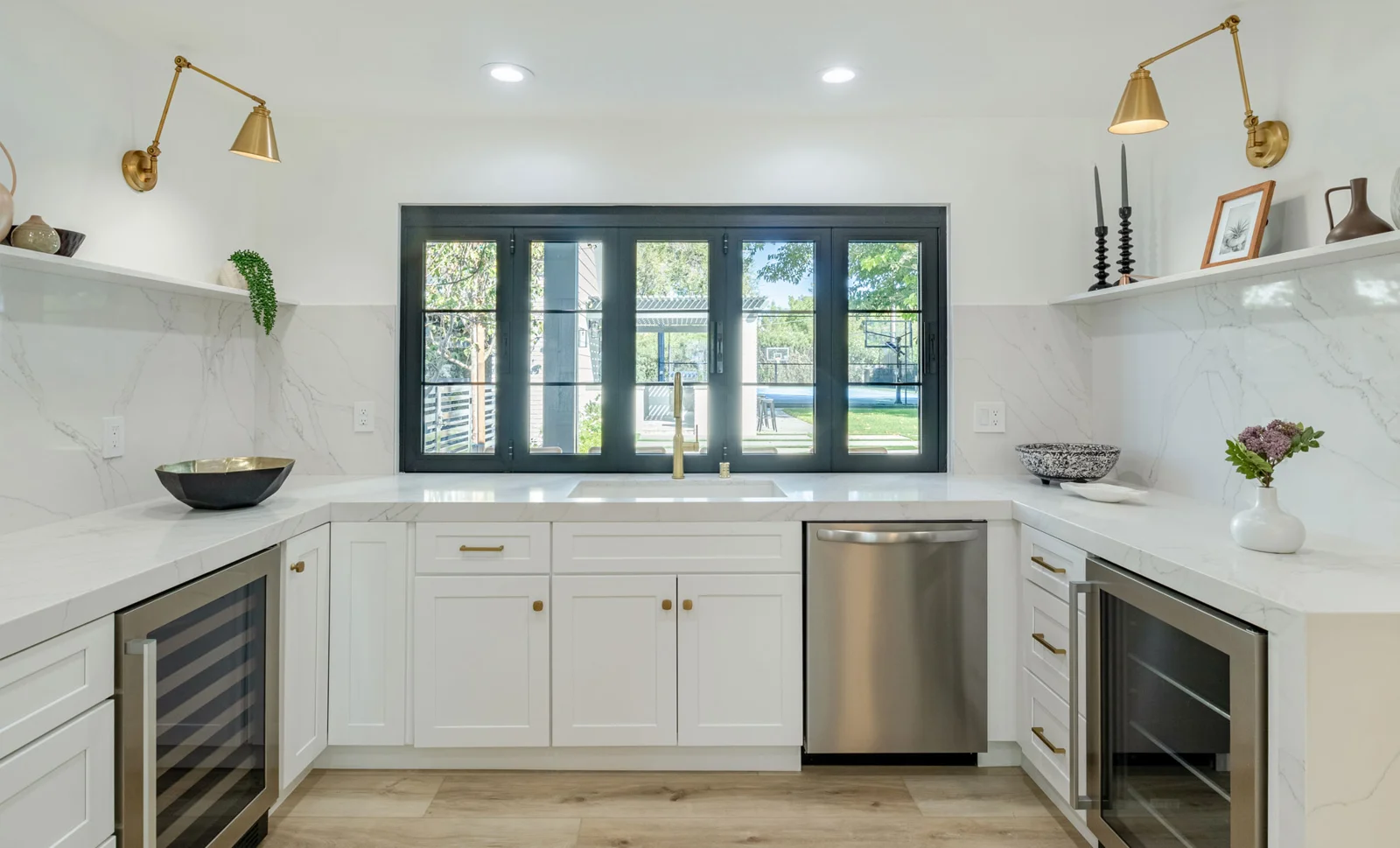
See it before you buy: 4 ways to picture a new bathroom
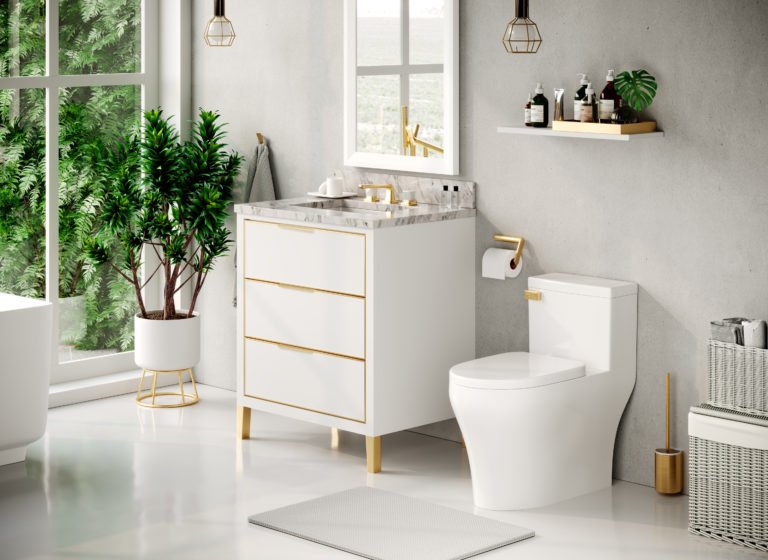
The hardest part of choosing a vanity, faucet or light online is imagining it in your own room. These four steps close that gap, and they are all free.
1. Try it in a photo of your room
Take a straight-on photo of your bathroom or kitchen, open the room visualizer, and drop in the actual products you are considering. Your photo stays on your device.
2. Put it on a mood board
Collect the finalists on a mood board with your tile and paint colors. Clashes are obvious when everything is side by side.
3. Match the finishes
Not sure which faucet finish goes with your walls? The paint and finish matcher suggests metals, wood and counters for your color.
4. See and touch it
Nothing beats real samples in daylight. Visit the showroom at 104 Emerald St in Keene (Mon to Fri 10 to 6, Sat 10 to 3), or book a consult and bring your board.
Common questions
How can I see a vanity in my bathroom before buying?
Use the room visualizer: upload a photo of your bathroom and place the vanity on it to judge style and scale.
Is it safe to upload a photo of my home?
The room visualizer keeps your photo on your own device. It is not uploaded anywhere.
Can I see products in person?
Yes, at our showroom at 104 Emerald St in Keene, New Hampshire.
Related: room visualizer, mood board maker, finish matcher, showroom.
Shop vanities
Order online, pick up in Keene, or ask us about installation.
Book a consult
Tell us the room, a rough budget range and when you'd like to start. We'll come back with next steps and a realistic timeline, no pressure, no mystery pricing.